01
Choose your look
Pick a portrait style and up to four scenes.
Friendly and natural, with room for a clean square profile crop. The composition, lighting, wardrobe, and background are already planned for you.
Create with this styleStarting portrait
Theme results
About this style
Upload clear photos of one person and start with two recommended scenes, producing four finished high-resolution portraits.
How it works
Pick a portrait style and up to four scenes.
Upload everyday photos of the same person with the face clearly visible.
Get four finished high-resolution portraits ready to download.
Real results
The same fictional person starts with an everyday portrait and appears in two scenes with four independently generated results.
A front-facing crop, even soft light, and a warm backdrop work cleanly for square social avatars.
Soft window light and an easy setting make profile portraits feel more natural and friendly.
Portrait style
Your next step is uploading photos—the tool will not ask you to choose the style again.
Create with this styleBefore you begin
More ideas
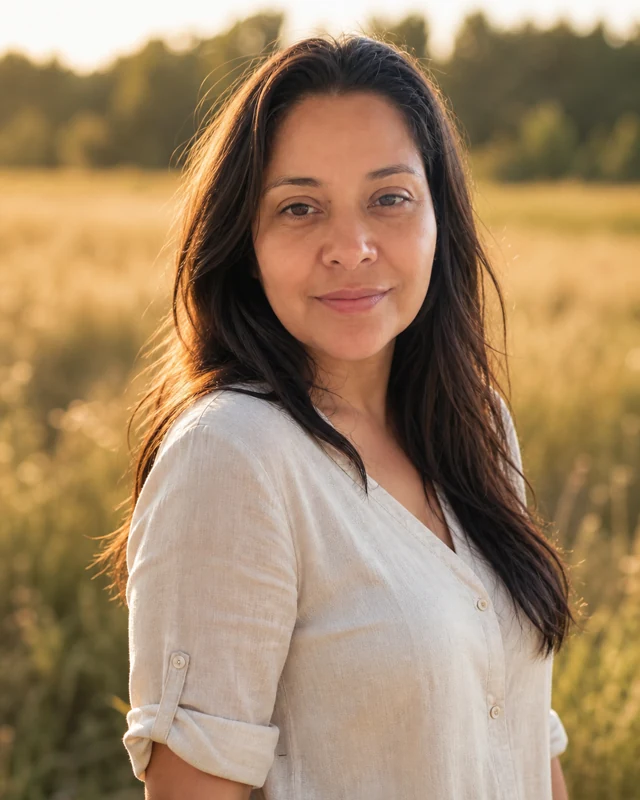
Sunset backlight, natural greenery, and an easy luminous outdoor mood.
View style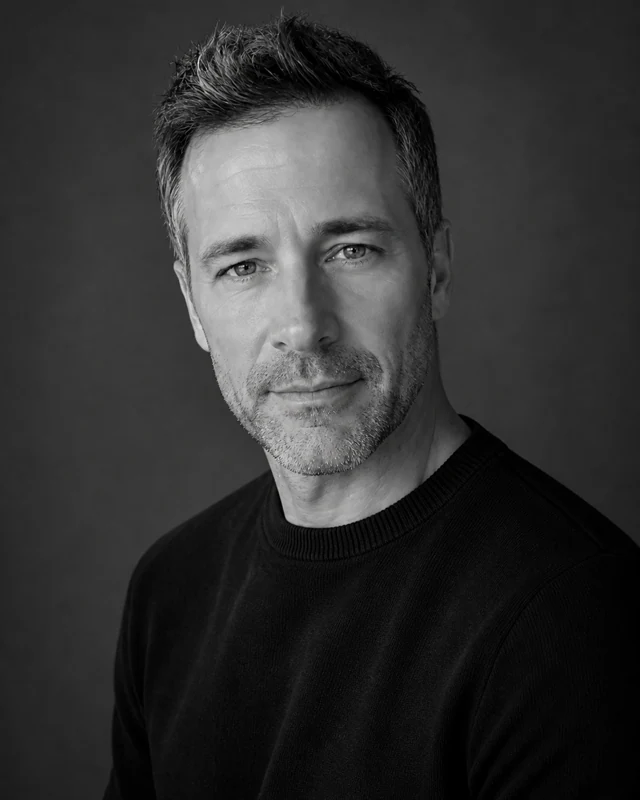
Controlled monochrome tones, Rembrandt light, and a timeless studio finish.
View style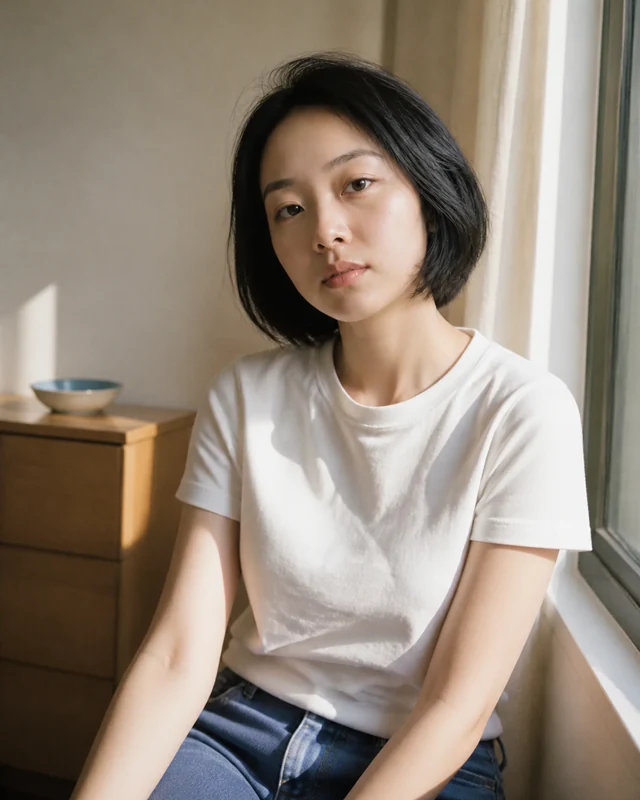
Soft window light, muted color, and fine-grain 1990s film character.
View style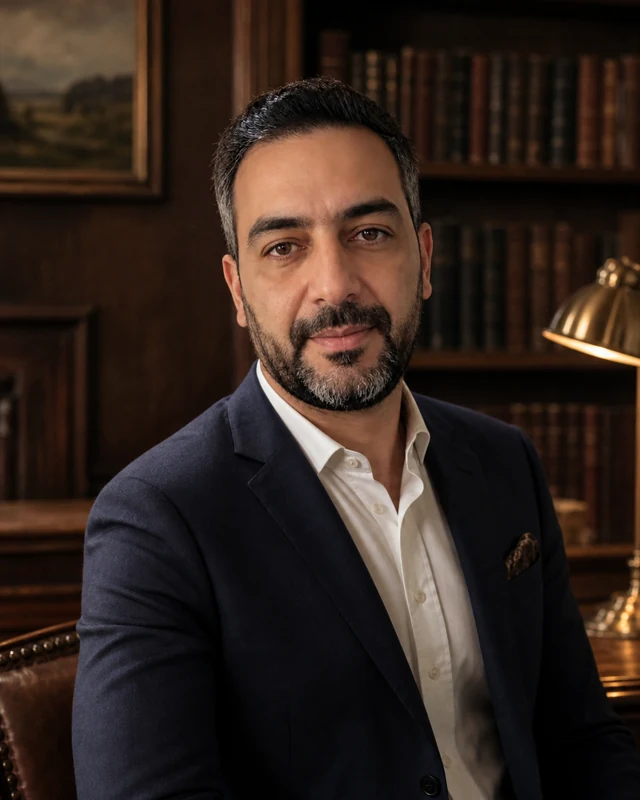
Heritage interiors, considered tailoring, and quiet editorial polish.
View style